emm77 Mobile App Philippines

emm77 App – Your Full Gaming Platform in Your Pocket, Any Time

The emm77 App brings the entire platform to your smartphone. Casino games, sports betting, fish games, eBingo — all in one app, optimised for Philippine players, with your account balance always in PHP.

emm77
Android APK Download
iOS Safari Access
₱
All Transactions in PHP
24/7
Access Anywhere

Why Use the emm77 Mobile App?

Most Filipino players are on their phones. Whether you're commuting on the MRT in Manila, taking a break in Cebu, or unwinding at home in Davao after a long day, your smartphone is already in your hand. The emm77 App is built around that reality — it gives you full access to the platform on a mobile-first interface that actually works well on a small screen rather than just being a shrunken version of the desktop site.

When you use the emm77 App, you're accessing the same account, the same game library, and the same PHP balance you have on the desktop version. There's no separate mobile account to manage and no game catalogue that's limited compared to what you'd find on a larger screen. Your bet history, transaction records, and account settings are all synchronised in real time across every device you use to log in.

The app covers every major section of the emm77 platform: the full Casino library including live tables, Sports betting markets, Fish Games, eBingo sessions, and the Bet section. You can switch between game categories without leaving the app, which makes it easy to catch a PBA live bet while also playing a few rounds of slots between quarters.

emm77

Android APK Download

The emm77 App for Android is available as a direct APK download — it doesn't go through the Google Play Store, which is standard for Philippine online gaming apps. To install it, you'll need to allow installation from unknown sources in your Android device settings. The process takes about a minute and the app installs like any other Android app once the permission is enabled.

How to enable and install

  • On Android 8 and above, go to Settings > Apps > Special App Access > Install Unknown Apps, then enable your browser.
  • On older Android versions, go to Settings > Security and toggle "Unknown Sources."
  • After enabling the setting, tap the downloaded APK file to begin installation.
  • Once installed, the emm77 icon will appear on your home screen or app drawer.

The APK is updated periodically. If you already have the app installed, you can check for a newer version from the App section of the emm77 website and install the update over the existing version — your account and data are not affected by updates.

Safe to download: The emm77 APK is served directly from the official emm77 domain. Only download the app from emm77.org — do not install APK files from third-party sources claiming to be emm77, as these may be modified versions not affiliated with the platform.

iOS Access via Safari

iOS devices — iPhones and iPads — can access emm77 through Safari on iOS. Because Apple's App Store policies restrict gaming app distribution differently, emm77 for iOS is optimised as a progressive web experience accessed through the browser rather than a standalone app download.

To get the most app-like experience on iOS, open emm77.org in Safari, then tap the Share button at the bottom of the screen and select "Add to Home Screen." This pins an emm77 shortcut to your iPhone's home screen that opens directly into the mobile site in full-screen mode, without the browser navigation bar taking up space. It behaves very similarly to a native app once launched this way.

All features available on the Android app are accessible through the iOS mobile browser experience, including live casino tables, sports betting in-play markets, fish games, and eBingo sessions. Deposits and withdrawals work identically on both platforms.

What the emm77 App Delivers

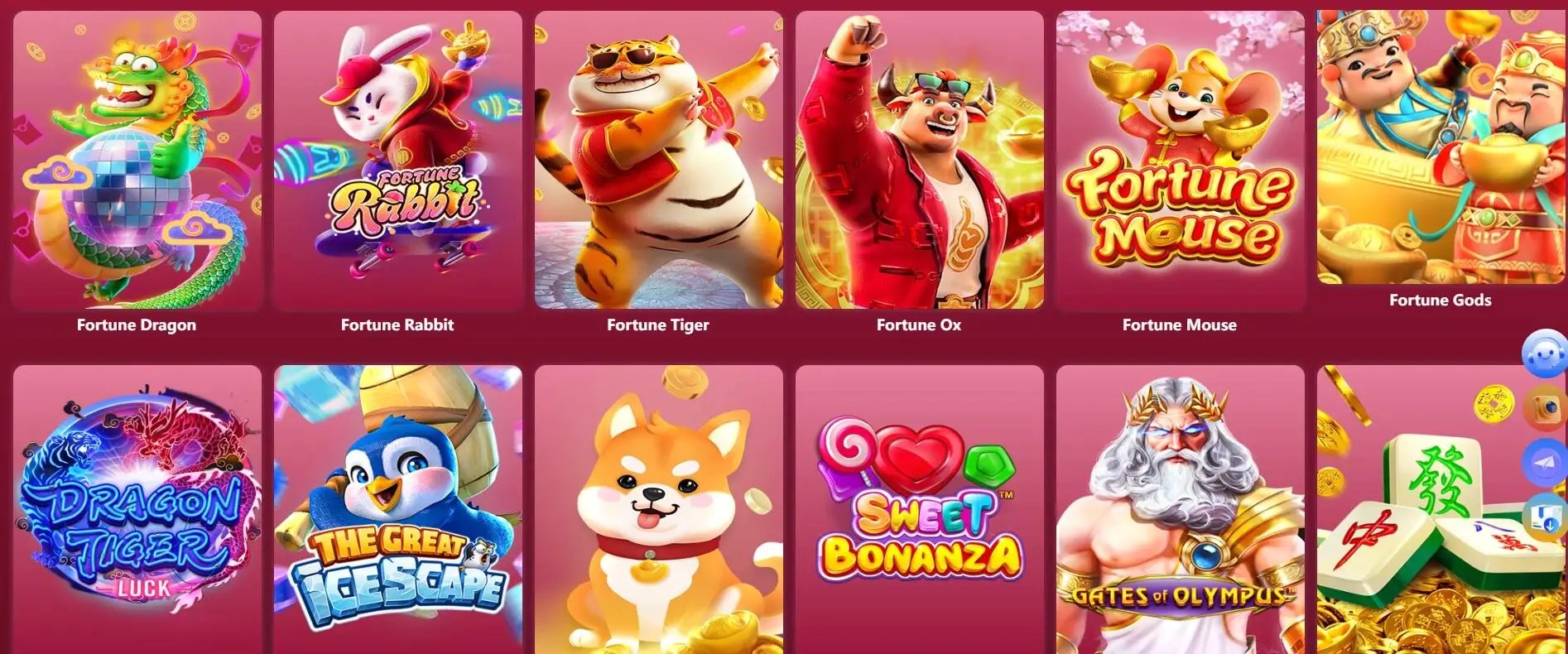
Every core feature of the emm77 platform is available on mobile. Here's what you get when you play through the app.

Full Game Library Access

Every slot, table game, live casino stream, fish game, and eBingo room available on desktop is also available on the app. No stripped-down mobile catalogue.

Fast Load Times

The emm77 App is optimised for Philippine mobile data conditions. Game assets are compressed for faster loading so you're not stuck on a loading screen during a session.

Real-Time Account Sync

Your balance, bet history, transaction records, and account settings update in real time whether you're on the app or the desktop site. Switch devices mid-session without losing anything.

Secure Login with OTP

Account access is protected with one-time password (OTP) verification and SSL encryption. Your login credentials and payment data are handled securely on every session.

PHP Deposits & Withdrawals

All cashier functions work on mobile. Deposit via Philippine online banking, bank transfer, or local e-wallets. Withdraw your PHP balance directly from the app's cashier screen.

In-App Support Access

Reach customer support directly from within the app. Whether it's a payment question or a game query, help is accessible without leaving the platform.

App vs. Mobile Browser – What's the Difference?

Both options give you access to emm77 on your phone. Here's how they compare across key areas.

Feature Android App iOS Safari Desktop Browser
Full Game Library Yes Yes Yes
Home Screen Shortcut App icon installed Add to Home Screen Bookmark only
Touch-Optimised Interface Native app UI Mobile-optimised Mouse-first layout
PHP Deposits & Withdrawals Full cashier Full cashier Full cashier
Live Sports In-Play Betting Yes Yes Yes
Offline Installation APK installed locally Requires internet Requires internet
emm77

Deposits and Withdrawals on the App

Managing your account balance is a core part of the mobile experience at emm77. The cashier is fully integrated into the app, so you can deposit, check your balance, and request a withdrawal without switching to a separate browser or portal.

All transactions are in Philippine Peso (₱ PHP). Philippine online and mobile banking accounts are the primary channel for deposits and withdrawals, with major local banks supported. Standard bank transfers are available for players who prefer direct transfers. Local e-wallets such as GCash and Maya are also available for eligible transactions — processing times and limits for each payment method are shown within the cashier before you confirm.

Credit cards and cryptocurrency are not accepted for any gaming or betting transactions on emm77.

Your account history, including all deposits, withdrawals, and game transactions, is accessible under the account section of the app at any time. For questions about a specific transaction, contact support through the in-app help feature.

Data Security: All payment data transmitted through the app is encrypted with SSL. Details on how your personal information is handled are in our Privacy Policy.
How to Get Started with the emm77 App
Android
1

Visit emm77 in Your Browser

Open Chrome or your preferred Android browser and go to emm77.org. Locate the App section and tap the Android download link.

2

Enable Unknown Sources

In Settings, allow your browser to install apps from unknown sources. This one-time setting is required for APK installations on Android.

3

Install the APK

Tap the downloaded APK file in your notifications or file manager. Follow the prompts to complete the installation — takes under a minute.

4

Login or Register

Open the emm77 App from your home screen. Log in to your existing account or create a new one. Must be 21+ to register.

iOS
1

Open Safari on Your iPhone

Launch Safari — not Chrome or another browser. Type emm77.org in the address bar and load the site. Safari is required for the Add to Home Screen feature.

2

Tap the Share Button

At the bottom of the Safari screen, tap the Share icon (the box with an arrow pointing up). This opens the share menu.

3

Add to Home Screen

Scroll through the share menu and tap "Add to Home Screen." Give it a name if you like, then tap Add. The emm77 icon appears on your home screen.

4

Login or Register

Tap the emm77 icon to open the app in full-screen mode. Log in to your account or register a new one. Players must be 21 years or older.

Mobile Gaming Done Right

Having the emm77 App on your phone means the platform is always accessible — which is convenient, but also worth being mindful about. Gaming and betting are entertainment, and the accessibility of a mobile app makes it easier to play more frequently or for longer than you intended if you're not paying attention to it.

Before each session, whether you're on the app during a commute or playing at home, set a budget and a time limit. Use the account history section in the app to review your past sessions — it's a useful way to stay aware of your overall activity across the week or month rather than evaluating each session in isolation.

The emm77 platform provides self-management tools for players who want to set limits or take a break. These are available in your account settings. For full details on tools and guidance, visit the Responsible Gaming page. All players must be 21 years of age or older. To explore what's available on the platform before downloading, check the Game Lobby or visit the homepage.

Your personal data collected through the app is handled according to our Privacy Policy.

emm77
emm77 App FAQ

Yes, downloading and installing the emm77 App is free. There are no charges for the app itself. Your account registration is also free. Standard data charges from your mobile carrier may apply when downloading the APK or streaming games.

Online gaming apps are generally not listed on Google Play or the Apple App Store due to the platforms' content distribution policies. This is standard across Philippine online gaming platforms. The emm77 APK for Android is available as a direct download from emm77.org, and iOS users can access the full platform through Safari with an Add to Home Screen shortcut.

The emm77 APK is compatible with Android 7.0 (Nougat) and above. Most Android phones currently in use in the Philippines run Android 8 or later, so the majority of devices are supported. For iOS, Safari access works on iOS 14 and newer.

No. Your account, balance, and transaction history are stored server-side on emm77's platform, not locally on your device. Installing a newer version of the APK over the existing one does not affect your account in any way. You simply log in as normal after the update.

Yes. The full cashier is available within the emm77 App, including local e-wallet options such as GCash and Maya where eligible. All transactions are in Philippine Peso (₱ PHP). Minimum amounts and processing times are displayed in the cashier before you confirm any transaction.